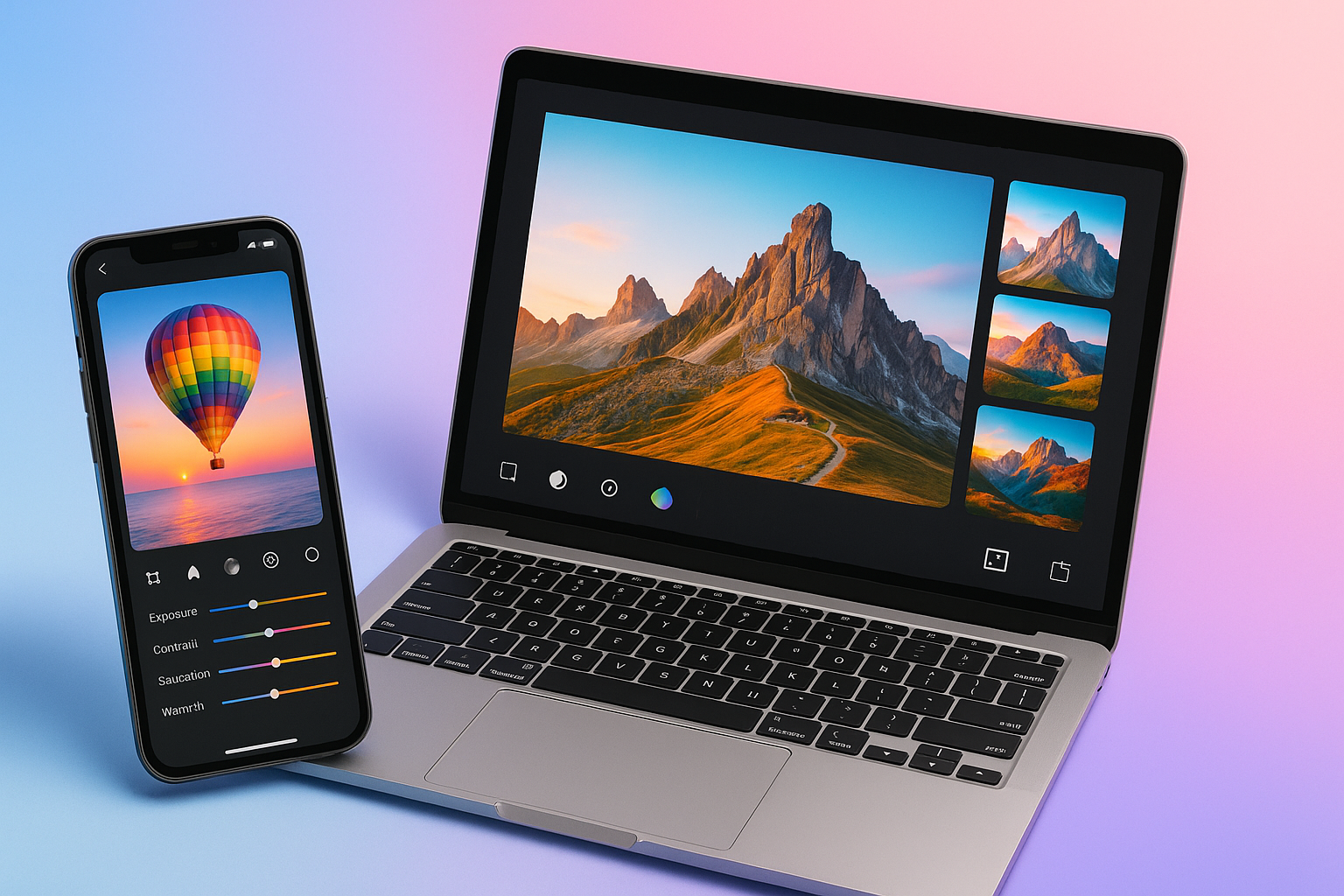
Photo editing has come a long way — from simple filters to AI-powered enhancements that can transform any picture in seconds. Whether you’re creating social media content, retouching portraits, or designing thumbnails, there’s a free tool for every need.
Here are the 10 best free photo editing apps for both mobile and PC in 2025, chosen for their features, accessibility, and ease of use.
1. Snapseed (Android & iOS)
Developer: Google LLC
Best For: Professional photo editing on mobile
Snapseed remains one of the most powerful and user-friendly photo editing apps. It offers advanced tools like RAW support, selective adjustments, healing, curves, and filters — all for free.
2. PicsArt (Android, iOS, Windows)
Best For: Creative edits and social media visuals
PicsArt combines photo editing, collage making, and AI tools in one app. It’s great for adding stickers, text, and artistic filters. Free with optional in-app purchases.
3. Canva (Android, iOS, Web, Windows, macOS)
Best For: Graphic design and content creation
Canva isn’t just for social posts — it’s a versatile photo editor, too. Use templates, remove backgrounds, and add design elements easily. Perfect for bloggers, marketers, and creators.
4. Photopea (Web)
Best For: Photoshop alternative online
Photopea runs right in your browser and supports PSD, XD, and RAW files. It looks and feels like Photoshop but costs nothing. A must-have for PC users who don’t want to install software.
5. Pixlr (Android, iOS, Web)
Best For: Quick edits and filters
Pixlr offers simple yet powerful tools for color correction, overlays, and double exposure. Its interface is clean, and you can use it online or as a mobile app.
6. Fotor (Windows, macOS, Web, Android, iOS)
Best For: One-click AI photo enhancement
Fotor combines traditional editing with AI features like sky replacement, portrait retouching, and background removal. Great for quick touch-ups.
7. GIMP (Windows, macOS, Linux)
Best For: Open-source advanced editing on PC
GIMP (GNU Image Manipulation Program) is a free, open-source Photoshop alternative for desktop users. It supports layers, plugins, and professional editing workflows.
8. Lightroom Mobile (Android & iOS)
Best For: Professional photography editing
Adobe Lightroom’s free version includes robust photo correction, lighting adjustments, and presets. You only need the premium plan for cloud sync and advanced masking tools.
9. Polarr (Android, iOS, Web)
Best For: Artistic filters and custom styles
Polarr lets you create and share your own filters. It’s popular among creators for stylized edits and cinematic tones. Lightweight and free to use.
10. Darktable (Windows, macOS, Linux)
Best For: Photographers managing RAW files
Darktable is a professional-grade, open-source photo editor similar to Lightroom. It’s ideal for photographers who prefer desktop workflows and non-destructive editing.
Bonus Mentions
- CapCut – Excellent for photo and video edits with AI features.
- Remini – AI photo enhancer for low-resolution images.
- Luminar Neo (Free Trial) – Advanced AI photo editing for desktop users.
Final Thoughts
Whether you’re using Android, iPhone, or PC, these free photo editing apps can turn ordinary pictures into stunning visuals.
From Snapseed’s precision tools to Photopea’s desktop flexibility, 2025 offers more creative power than ever — without spending a dime.
💡 Tip: Start with Snapseed or Canva for everyday use, then explore GIMP or Darktable if you want pro-level results on your computer.
Explore more tech guides and app tips at FobBlog — your hub for smart digital tools and tutorials.