📱 Introduction

If you’re frequently installing, backing up, or restoring apps outside the Google Play Store, then having a solid APK manager tool can make the difference between a smooth experience and a frustrating one. In 2025, with split APKs, app bundles (AAB/APKS), and stricter Android security changes, the right manager tool is more important than ever.
In this article, we’ll highlight the top APK manager apps/tools for Android in 2025 — covering backup, restore, batch install, extracting APKs, managing versions — plus what features to look out for and how to choose safely.
🧰 What to Look for in an APK Manager
Before diving into specific apps, here are key features you should check:
- ✅ Backup & Restore support for installed apps (APKs)
- ✅ Ability to extract APKs of installed apps (for backup or sharing)
- ✅ Install / uninstall / batch install features
- ✅ Support for modern formats: APKS, AAB (via converter), split-APKs
- ✅ Compatibility with Android 12/13/14+ (security changes)
- ✅ Clear UI + minimal ads + trustworthy permissions
- ✅ Verification features (checking signatures/hashes)
- ✅ Option to save backups to SD card or external storage
🔝 Top APK Manager Apps for 2025
1. APK Manager & Installer

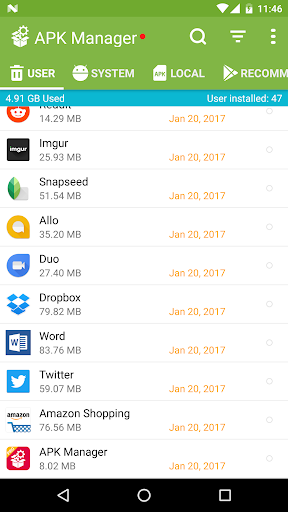




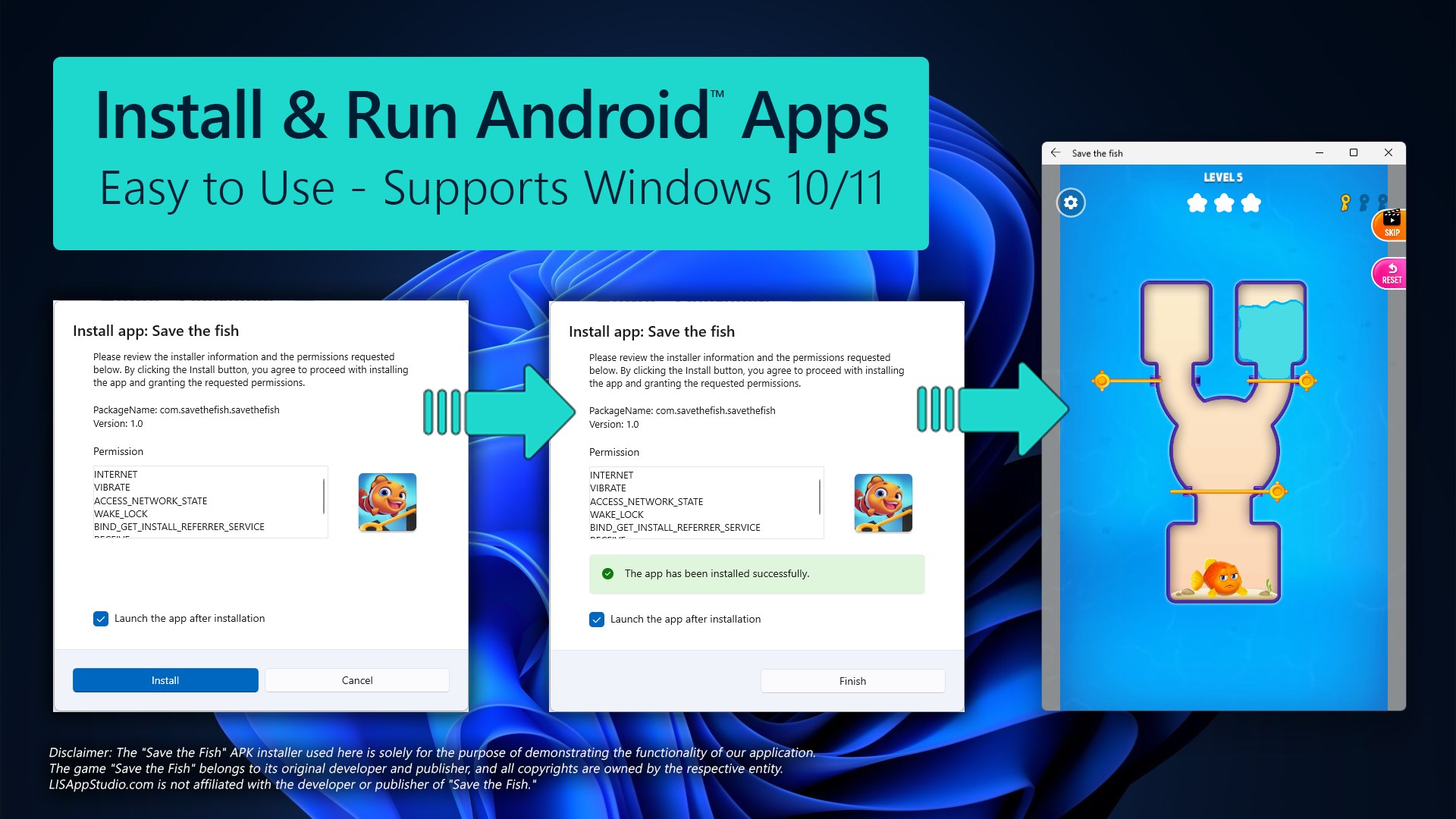
Developer: SuriDevs
Highlights:
- Extracts APKs of installed user & system apps, no root required. (Google Play)
- Batch extraction, share APK, save to chosen folder.
- Lightweight, supports Android 11+ according to listing.
Why use it: If you just need to grab installed app APKs for backup or sharing, this is one of the cleanest tools.
2. All Backup & Restore


Developer: SuriDevs
Highlights:
- Supports backup & restore of apps, messages, contacts, call logs. (Google Play)
- Good option if you’re doing full device migrations and want your app list backed up.
Why use it: More than just APKs—covers data and logs too, useful for full device transitions.
3. Neo Backup (Open-Source)

Key Info:
- Open-source project by NeoApplications, fork of OAndBackupX. (GitHub)
- Geared towards backup & restore of apps and their data; root is required for full features.
Why use it: If you’re a power user or using custom ROMs, this gives you full control over app data.
🧠 How to Choose the Right Manager for You
- If you’re on a standard device and only want to back up or extract APKs → go with APK Manager & Installer.
- If you’re switching phones, want to migrate data and logs too → All Backup & Restore is more complete.
- If you are into custom ROMs, root or want app data backup → Neo Backup gives advanced features.
- Always check: latest update date, compatibility with Android 14+, user reviews, permission list.
- Beware of tools promising “premium unlocked backups” or mods—stick to legitimate apps.
🔒 Safety & Compatibility Tips for 2025
- Ensure the manager supports Android 14+ changes (scoped storage, limited permissions).
- Use external storage (SD/USB) or cloud for storing backups.
- Export “app list + versions” – helps if you later install manually.
- Verify extracted APKs’ signatures if you restore them later.
- Avoid backing up or installing cracked/modded APKs—risks malware, violates policies.
- Keep a copy of your backups in two locations (local + cloud) for safety.
📌 Summary Table
| Tool | Best For | Root Required? | Key Feature |
|---|---|---|---|
| APK Manager & Installer | Extracting & backing up APKs | No | Batch APK extraction & sharing |
| All Backup & Restore | Full device migration & logs | No | Backup apps + SMS + call logs |
| Neo Backup | Advanced users / root / ROMs | Yes (root) | App + app-data backup & scheduling |
🏁 Final Thoughts
Managing your APKs, backups and app installations doesn’t have to be a mess. With the right tool in 2025, you can streamline your workflow, protect your apps and data, and handle installs confidently — especially with newer Android versions.

Choose a manager based on your needs: whether lightweight APK backup, full device migration, or advanced data control. And always practise safe installation and backup habits.