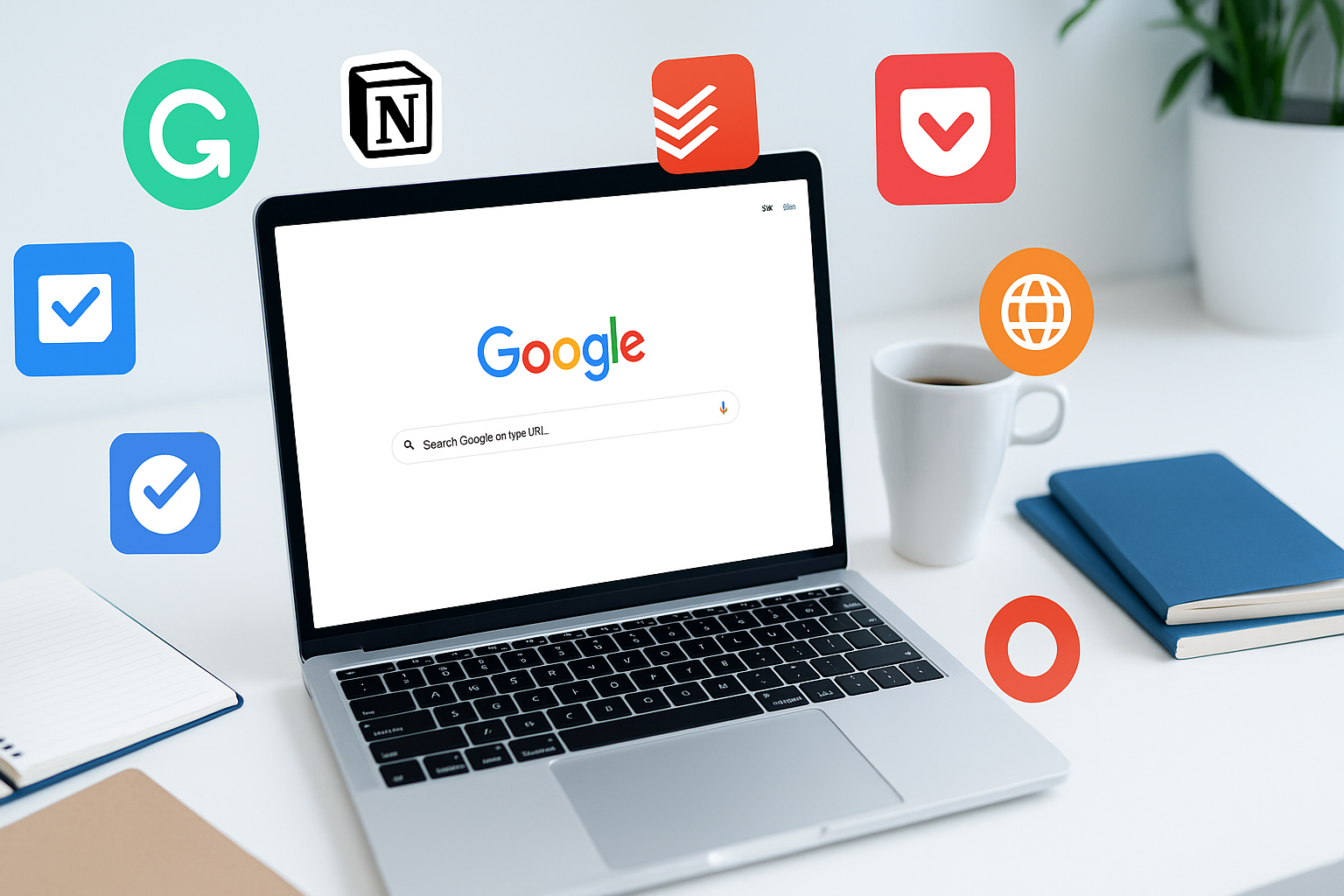
Whether you’re studying, researching, or working online, Google Chrome extensions can make your life a lot easier.
From managing time to taking notes or boosting focus, the right tools can help you stay productive and organized.
Here are 10 must-have Chrome extensions for students and professionals in 2025 — all free or offering generous free versions.
1. Grammarly
Best for: Writing and editing
Grammarly helps you write clear, mistake-free content across emails, essays, and web forms. It checks grammar, spelling, and tone, and even offers style suggestions.
Why you’ll love it:
✔ Real-time writing feedback
✔ Works across Google Docs, Gmail, and social media
✔ Great for essays, reports, and professional emails
2. Notion Web Clipper
Best for: Saving research and notes
Notion Web Clipper lets you save any webpage directly to your Notion workspace. Perfect for collecting references, articles, or class materials.
Why you’ll love it:
✔ One-click saving
✔ Organize everything into Notion pages
✔ Ideal for research projects and productivity systems
3. Todoist
Best for: Task and project management
Todoist is a simple yet powerful task manager that helps you plan assignments, projects, and daily to-dos. You can set deadlines, priorities, and recurring tasks.
Why you’ll love it:
✔ Beautiful interface
✔ Syncs across all devices
✔ Boosts productivity and accountability
4. Momentum
Best for: Focus and motivation
Momentum transforms your new tab page into a calming dashboard with to-dos, quotes, and a daily focus reminder.
Why you’ll love it:
✔ Clean, minimalist design
✔ Inspiring visuals and quotes
✔ Helps maintain focus while studying or working
5. Save to Google Drive
Best for: Quick cloud backups
Save to Google Drive lets you instantly save web content, screenshots, or files directly to your Google Drive.
Why you’ll love it:
✔ One-click saving
✔ Great for research and file organization
✔ Works seamlessly with Google Workspace
6. StayFocusd
Best for: Limiting distractions
StayFocusd helps you stay productive by blocking time-wasting websites after a set limit.
Why you’ll love it:
✔ Fully customizable timers
✔ Increases focus and discipline
✔ Ideal for students and remote workers
7. Loom
Best for: Screen recording and video communication
Loom lets you quickly record your screen, voice, and face to create short video messages. Great for teachers, coworkers, or remote teams.
Why you’ll love it:
✔ Easy recording and sharing
✔ Perfect for presentations and tutorials
✔ Saves time on typing long emails
8. Pocket
Best for: Reading later
Pocket allows you to save articles, videos, and stories to read later — even offline. It’s ideal for students doing research or anyone who wants to consume smarter content.
Why you’ll love it:
✔ Clean, distraction-free reading
✔ Works across all devices
✔ Suggests quality content based on your interests
9. Dark Reader
Best for: Eye comfort during late-night study or work
Dark Reader applies a dark theme to every website, reducing eye strain while reading or working at night.
Why you’ll love it:
✔ Customizable brightness and contrast
✔ Works on all websites
✔ Saves battery on OLED screens
10. Bitwarden
Best for: Password management and security
Bitwarden securely stores your passwords and auto-fills them across sites. It’s open-source, private, and completely free.
Why you’ll love it:
✔ End-to-end encryption
✔ Syncs across devices
✔ Perfect for students and professionals who value security
Final Thoughts
With the right Chrome extensions, you can turn your browser into a personal assistant — helping you write better, stay focused, and manage your time effectively.
Try these tools to simplify your study sessions and workdays, and explore more app recommendations at FobBlog — your guide to smarter mobile and web productivity.

