 Introduction
If your Android device’s home screen feels stale, you don’t have to settle. A good custom launcher can completely revamp the look, feel, and functionality of your phone—and you can install via APK if you prefer bypassing Play Store restrictions (e.g., region-locked apps). In this guide, we’ll look at what to look for, the best launcher picks for 2025, and how to safely install an APK-style launcher.
What to Look For in a Custom Launcher
When choosing a launcher APK, keep these features in mind:
- Icon pack & theme support – ability to apply custom icons, adaptive icons, theming. (Tom’s Guide)
- Gestures & shortcuts – swipe up/down, double-tap, long-press actions. (Android Hire)
- App drawer customization – grouping, hiding apps, search, layout control. (Android Authority)
- Performance & compatibility – it shouldn’t slow your device or conflict with other system apps. (Tom’s Guide)
- Backup & restore settings – especially useful when sideloading via APK. (TechPP)
- APK-only considerations – If installing via APK, ensure permission checks, updates, and compatibility with your Android version.
Top Launcher Picks for 2025
Here are some of the best launcher choices, with different priorities (heavy customization, minimalism, lightweight).
1. Nova Launcher


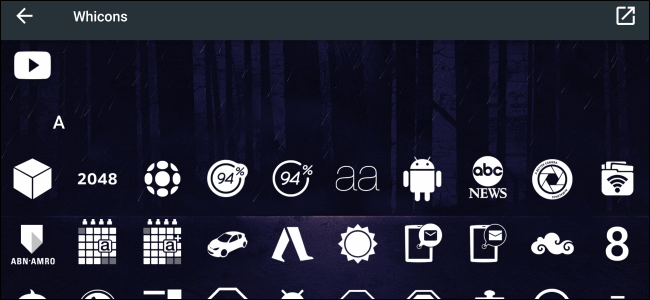
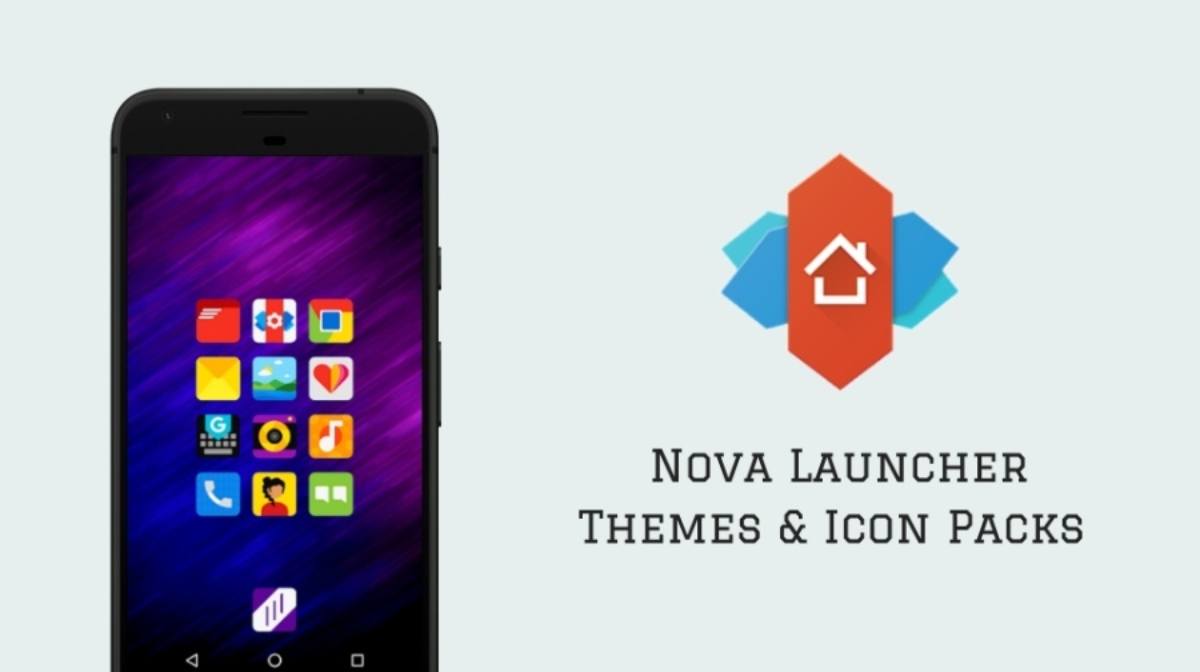
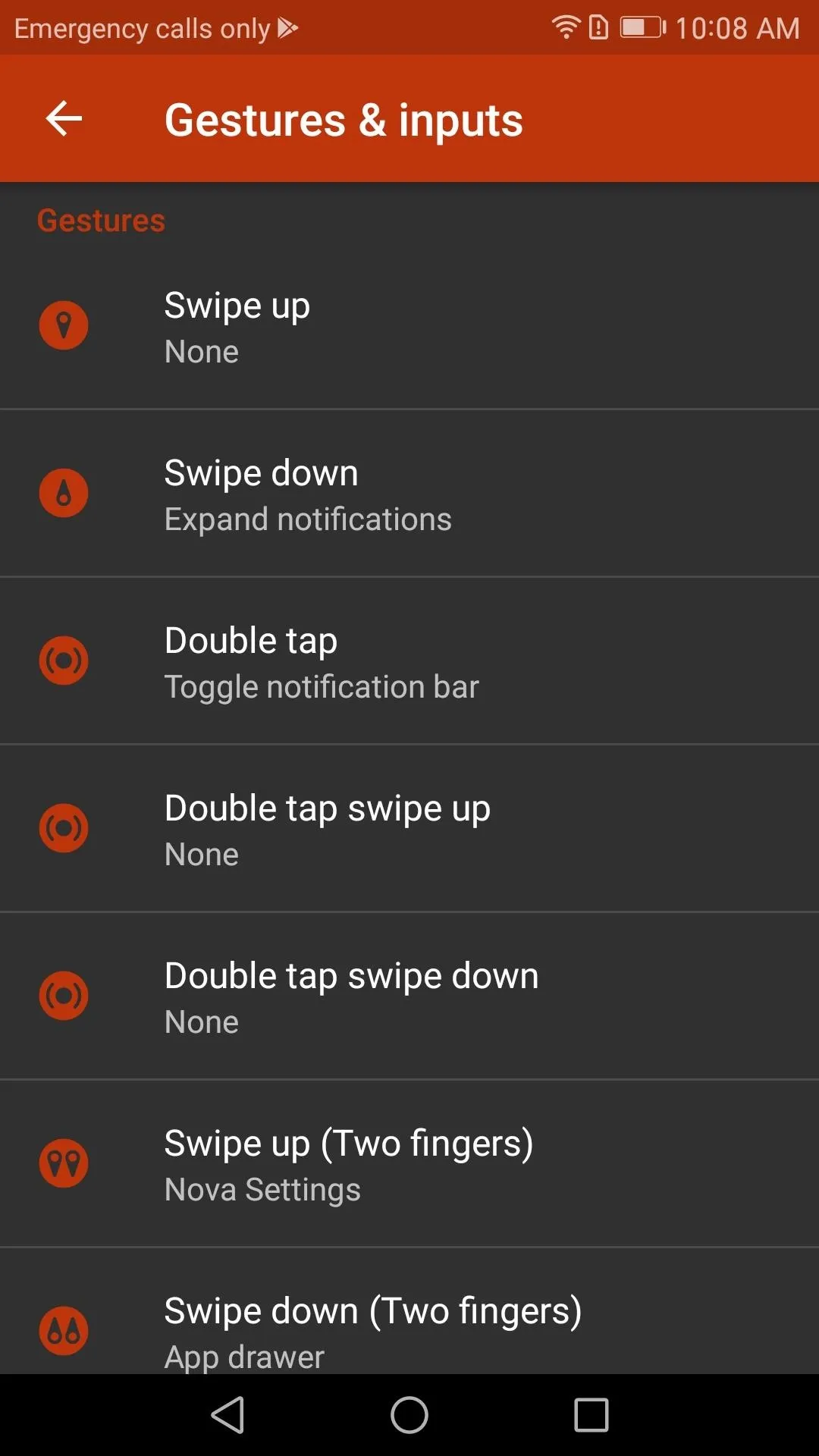
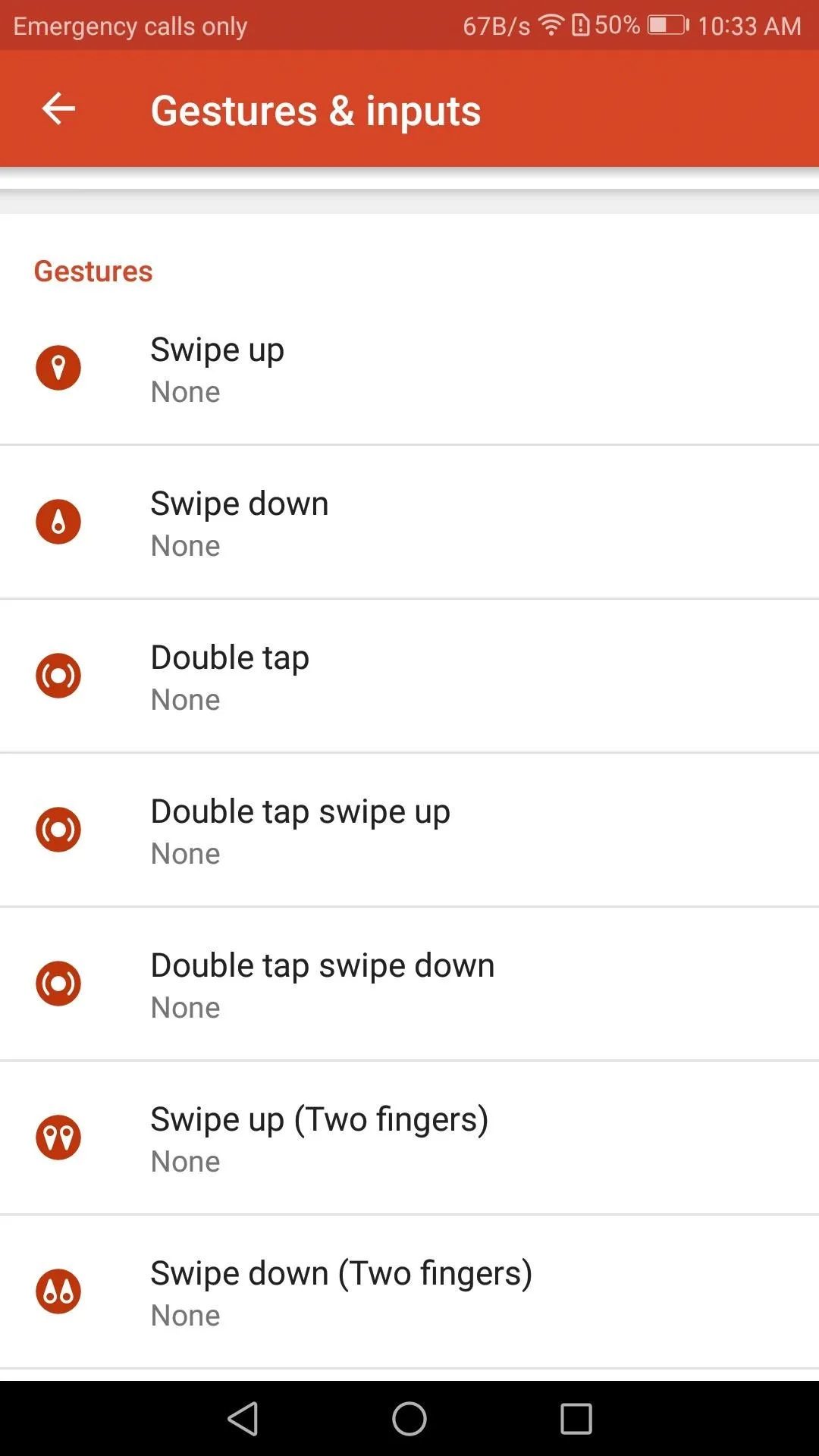
One of the most established launchers for Android. Tom’s Guide says it offers “fast, sleek and highly customizable” experience. (Tom’s Guide)
Best for: users who want full control of layout, icons, gestures, and are comfortable tweaking.
Note: If installing via APK, check version compatibility and permissions because some recent concerns about future updates exist. (The Verge)
2. Lawnchair Launcher
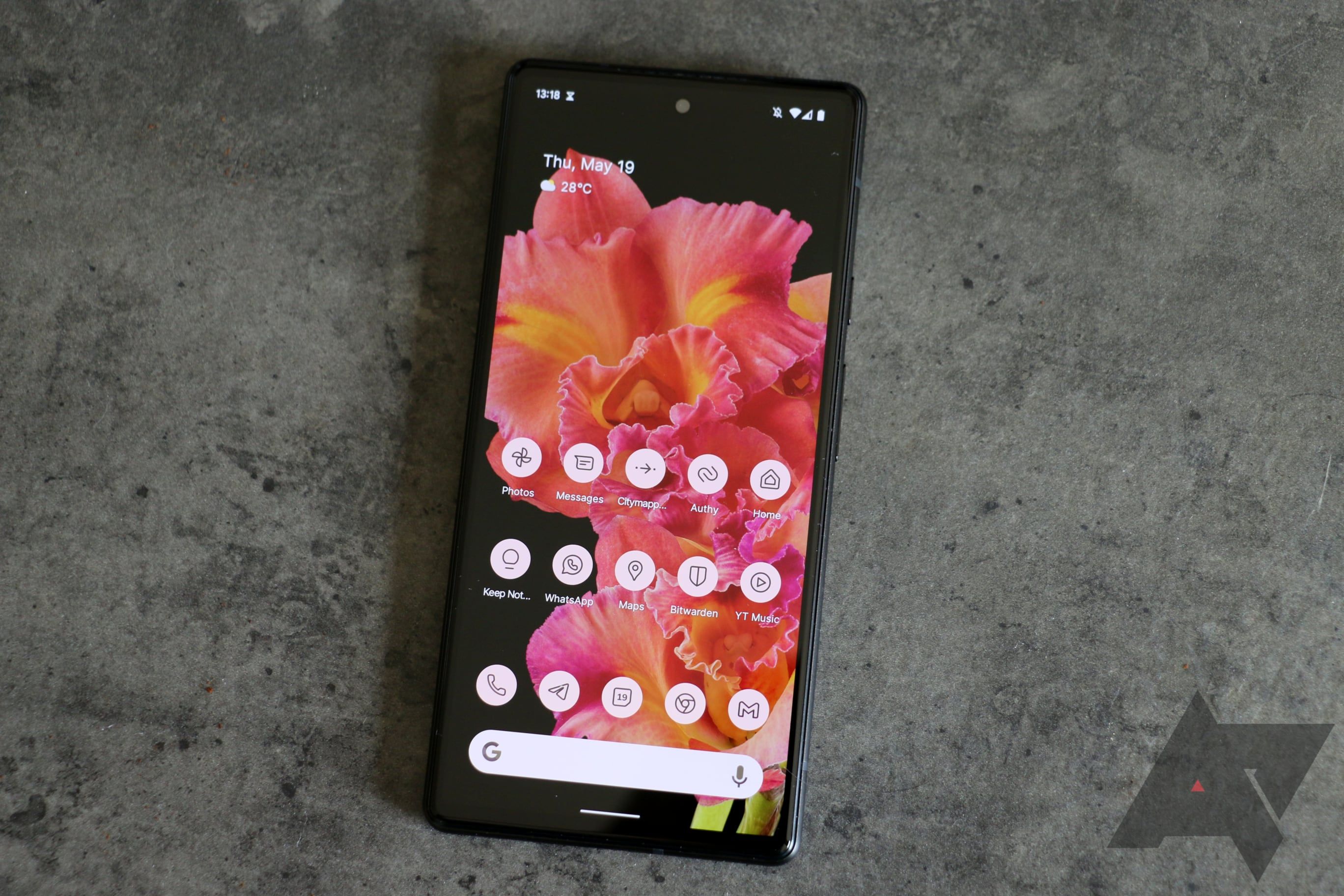
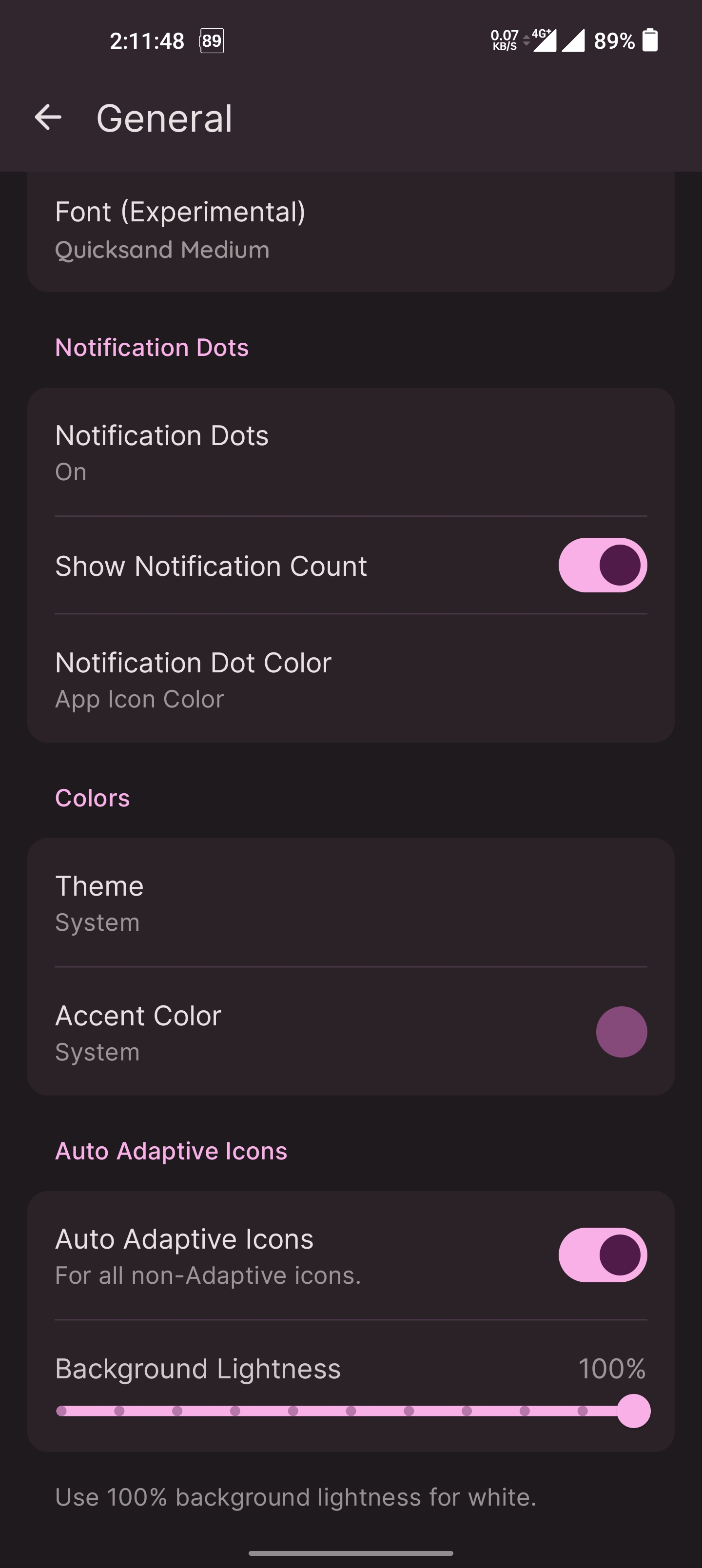

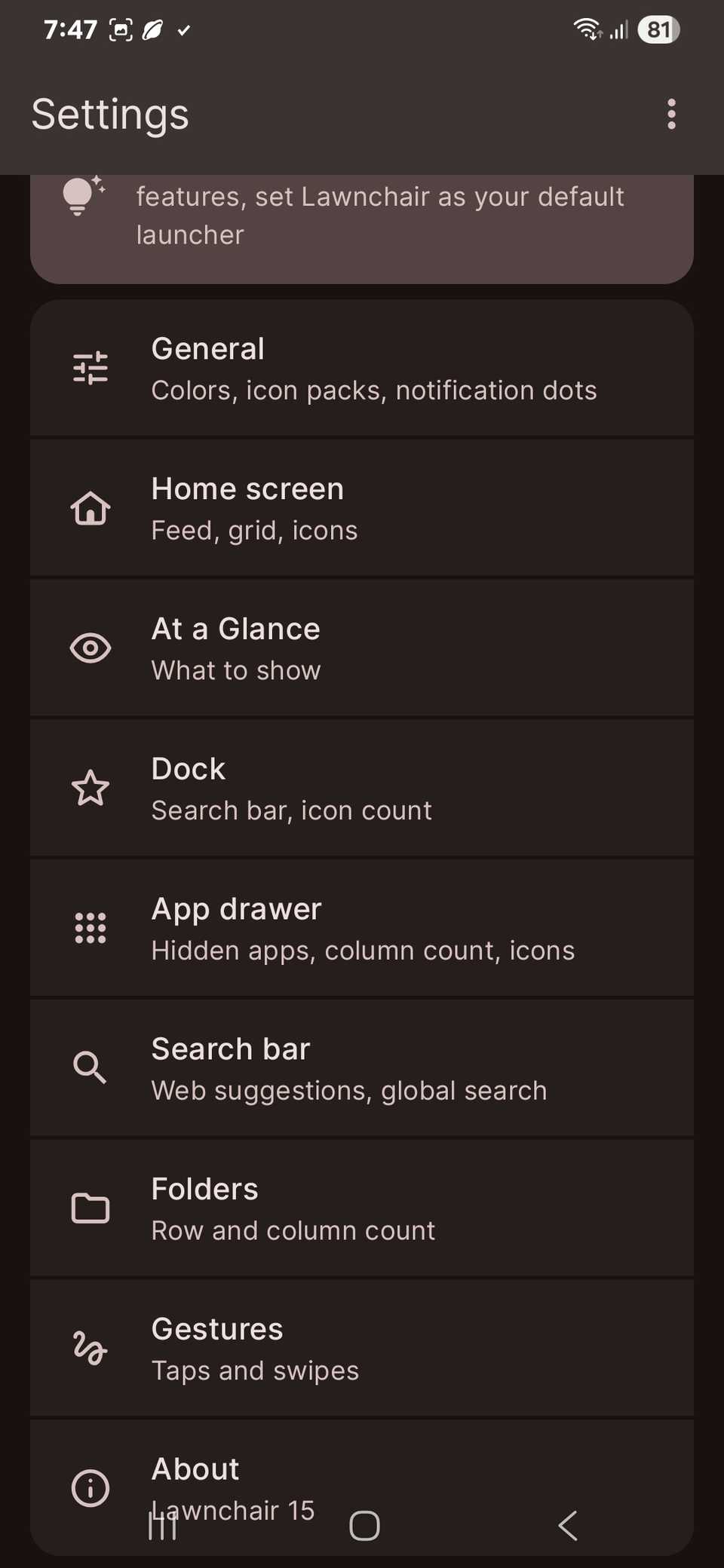
Open-source, Pixel-style launcher with extra tweaks. Beebom says: “If you need a Pixel-like Android launcher with more customization options…” (Beebom)
Best for: users who like the clean stock Android look but want more customization.
Note: Being open-source means APK sideloads may be community-built; always check authenticity.
3. Hyperion Launcher
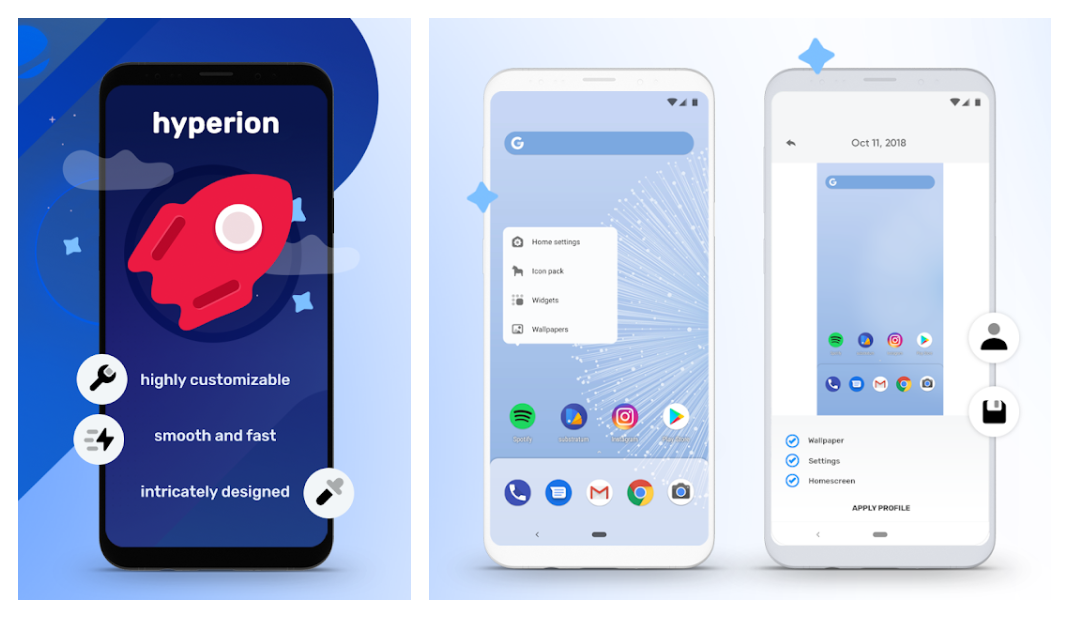
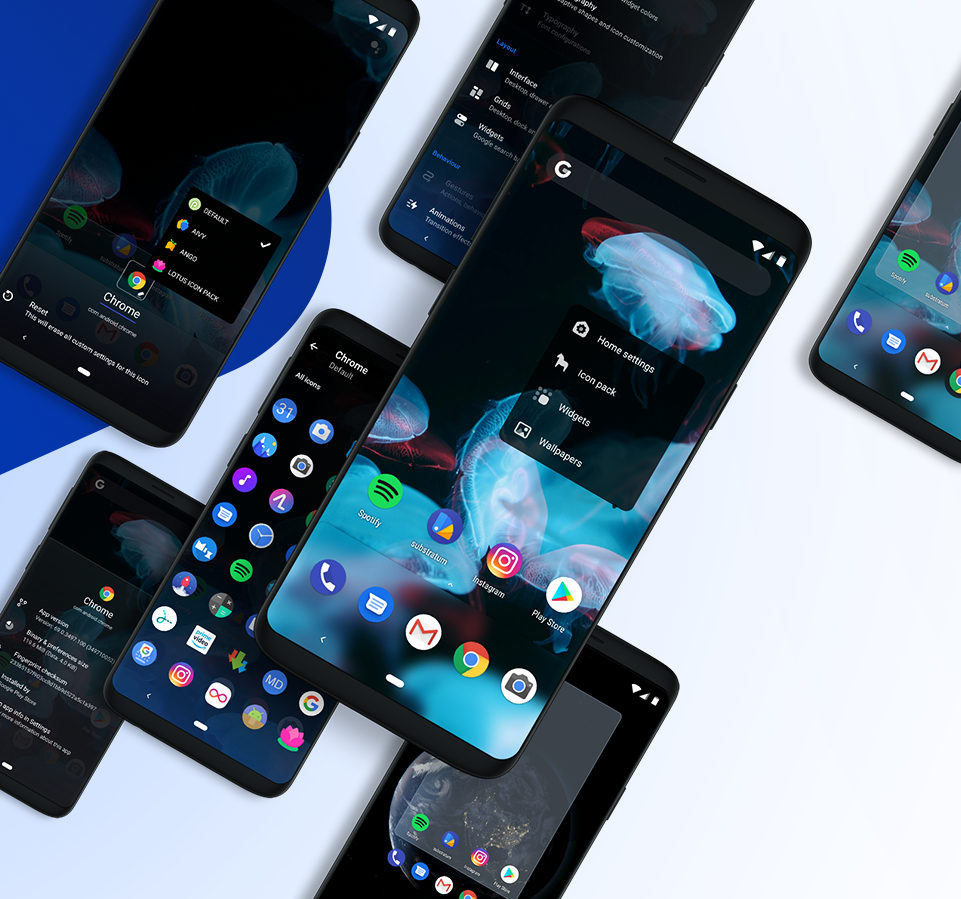




A modern, powerful launcher developed by the theming community. According to sources, it offers high levels of customisation: theme settings, gestures, icon customizations. (gadapress.com)
Best for: users who want something similar to Nova but maybe more design-focused and modern.
4. Smart Launcher 5
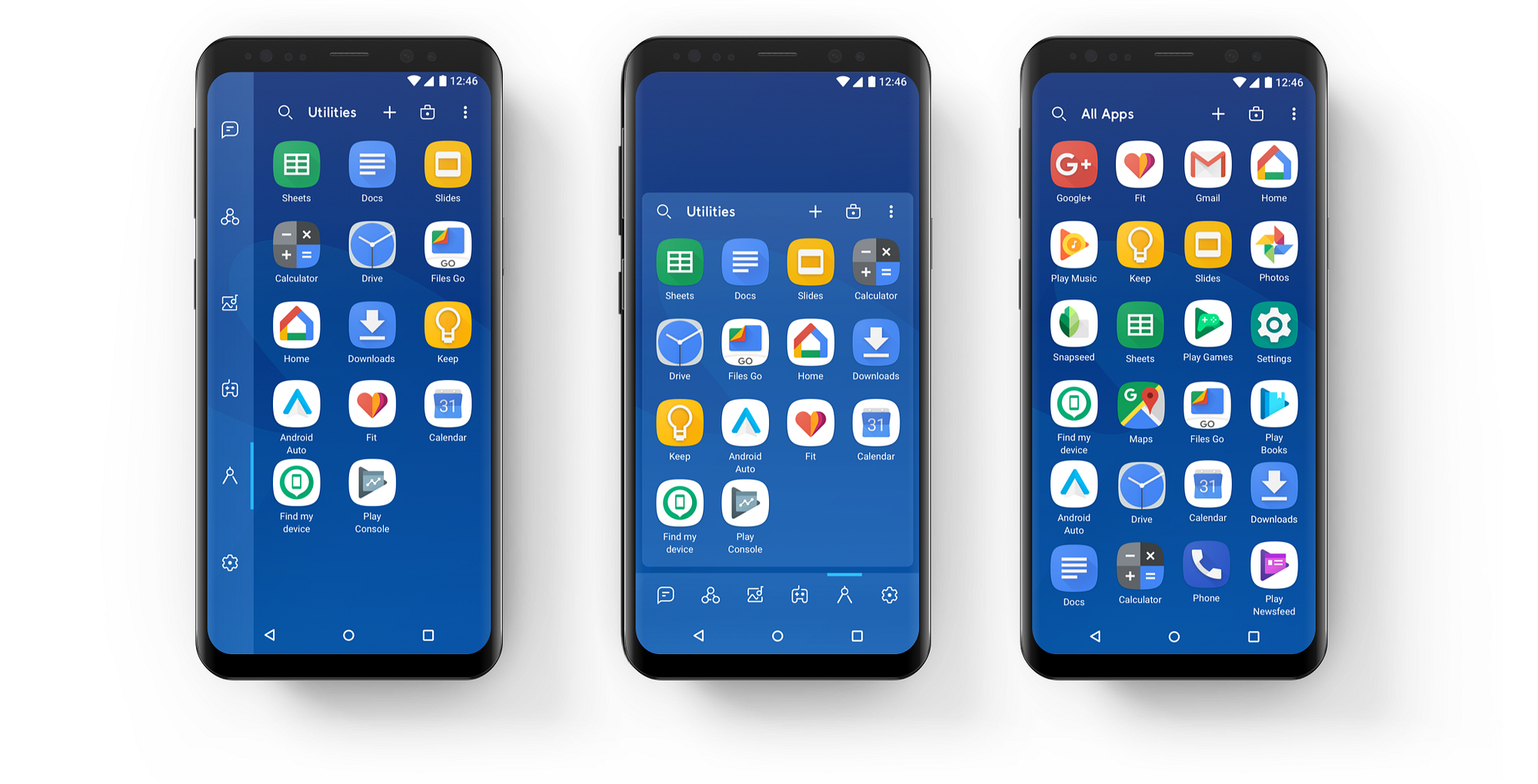
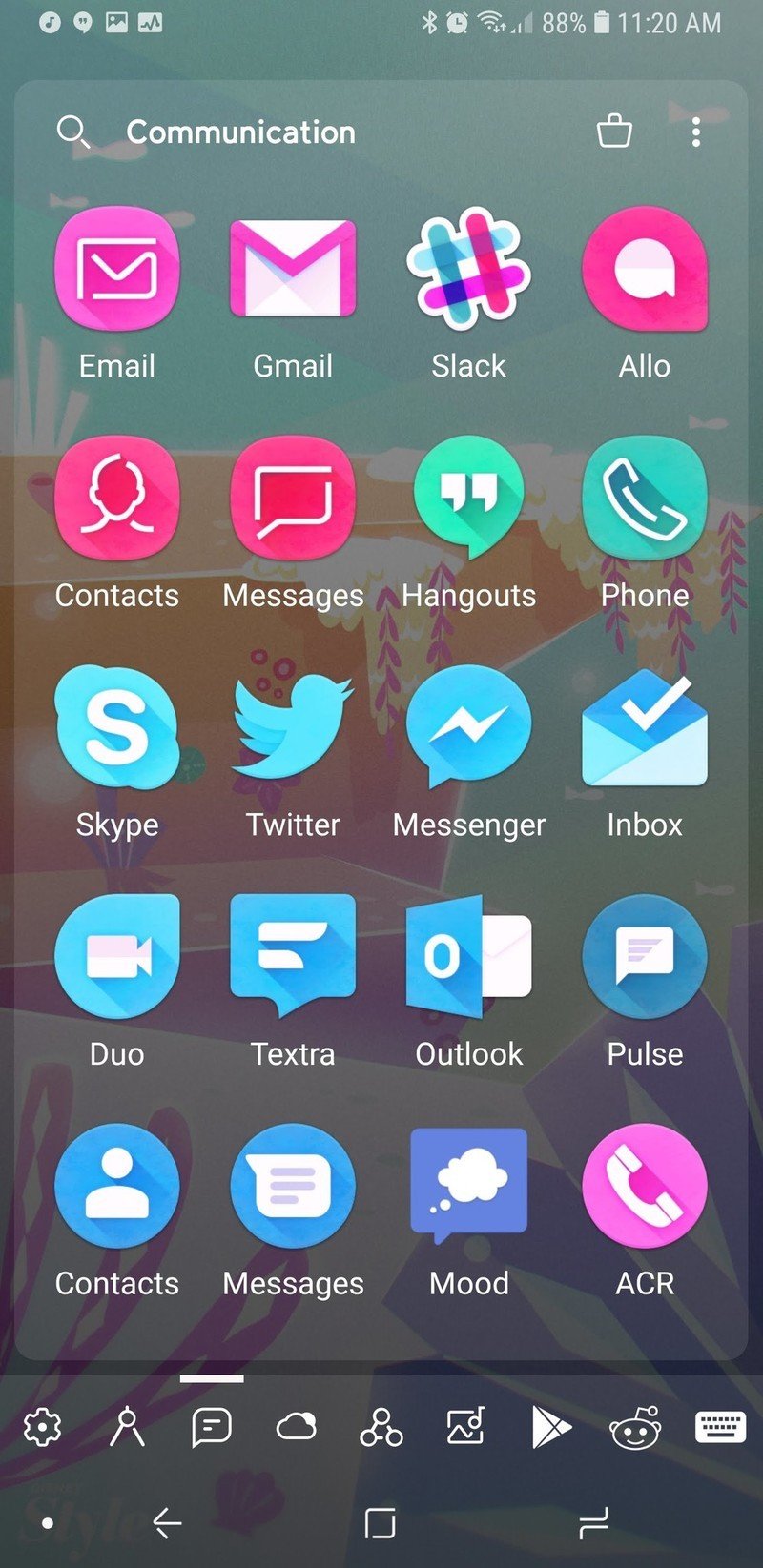
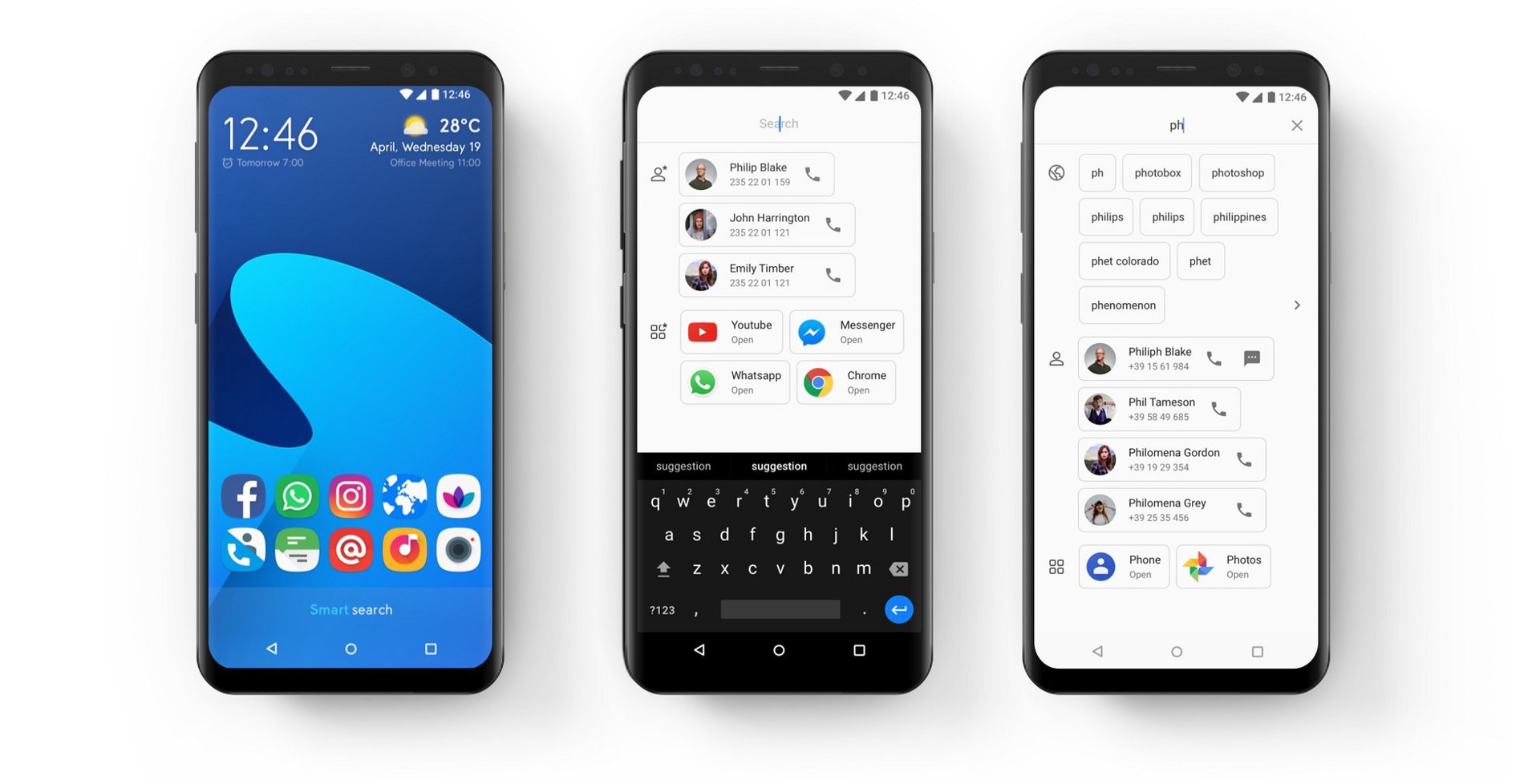
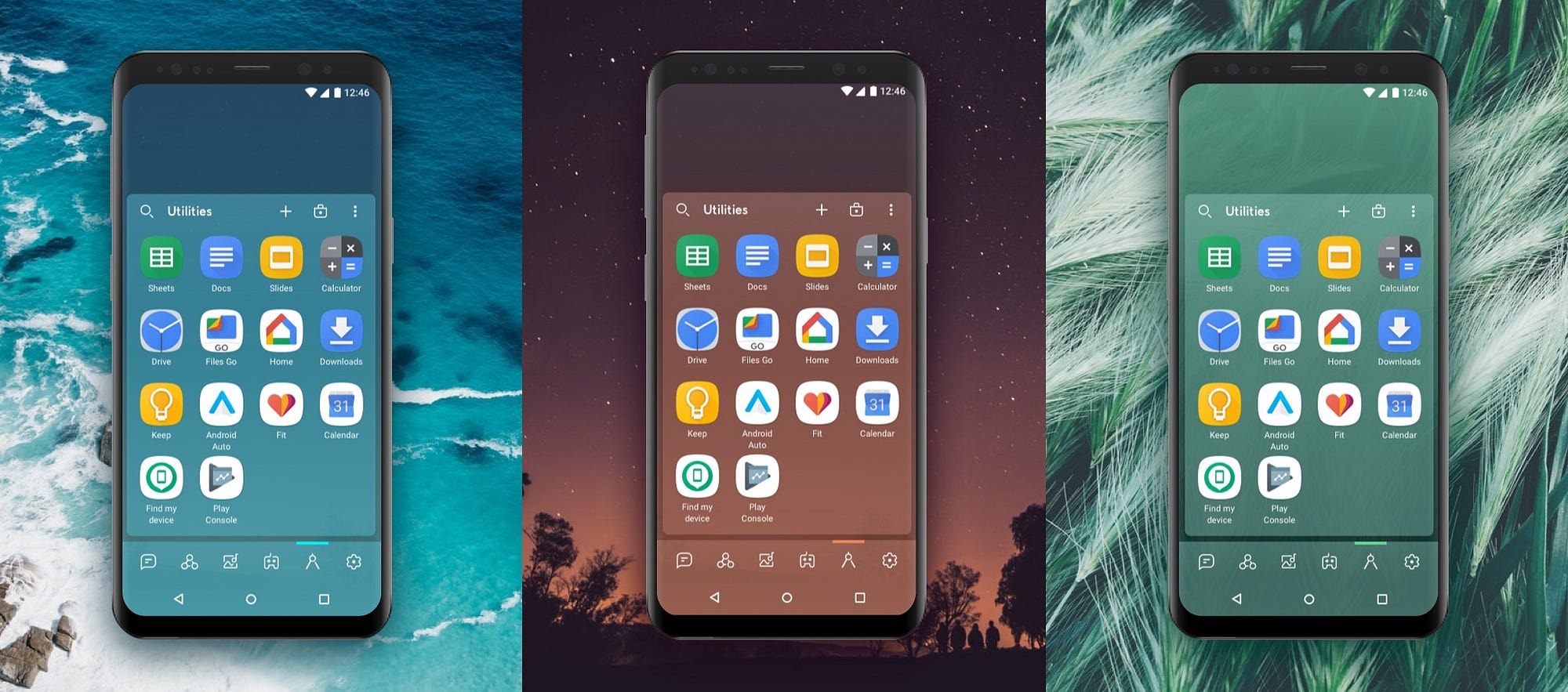

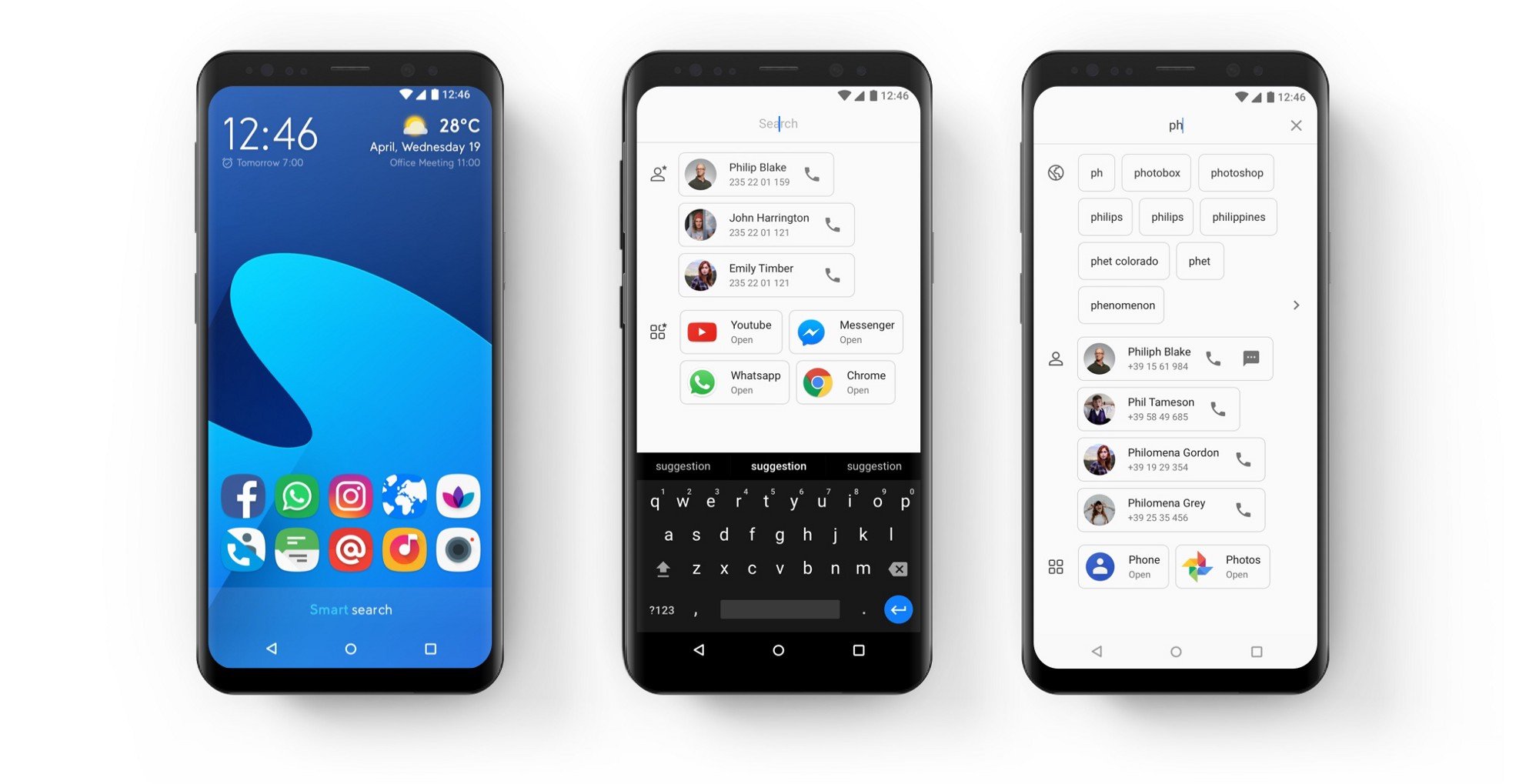
Smart Launcher comes with auto-sorting categories, minimal design and smart features. According to Digital Trends: “Smart Launcher 5 … presenting a better tab-based categorized design than many other launchers.” (Digital Trends)
Best for: users who want a simpler UI, less clutter, and automation rather than full customisation.
5. Niagara Launcher

Minimalistic and lightweight, with a unique alphabetical app list and minimalist interface. As noted: “offers a user-friendly, ergonomic experience… ad-free, lightweight.” (Android Authority)
Best for: users who prefer minimalism, less visual noise, and fast performance.
Safety & APK-Installation Tips
Since you specified “APK only,” here’s how to safely proceed:
- Only download APKs from trusted sources (official website of launcher, GitHub releases for open-source, APKMirror) to reduce risk of malware.
- When installing an APK:
- Go to Settings → Apps → Special access → Install unknown apps, allow for your installer temporarily.
- After installation, set the launcher as default: Settings → Apps → Default apps → Home app.
- Revoke “install unknown apps” permission for safety.
- Backup your current launcher setup before switching so you can revert if needed.
- If you see weird permission requests (camera, microphone) from a launcher APK, treat it with caution. Launchers typically need fewer permissions.
- Monitor updates: If you sideload an APK and later updates are only via Play Store, you might lose update ability unless you keep installing newer APKs manually.
 Conclusion
Custom launchers are a great way to redesign your Android home screen — whether you want full control (Nova), a Pixel-inspired feel (Lawnchair), smart categorization (Smart Launcher), or minimalism and speed (Niagara).
If you’re installing via APK only, be sure to follow safe practices, pick a launcher that aligns with your style and device performance, and enjoy a fresh UI experience in 2025.